 NEXUS
NEXUS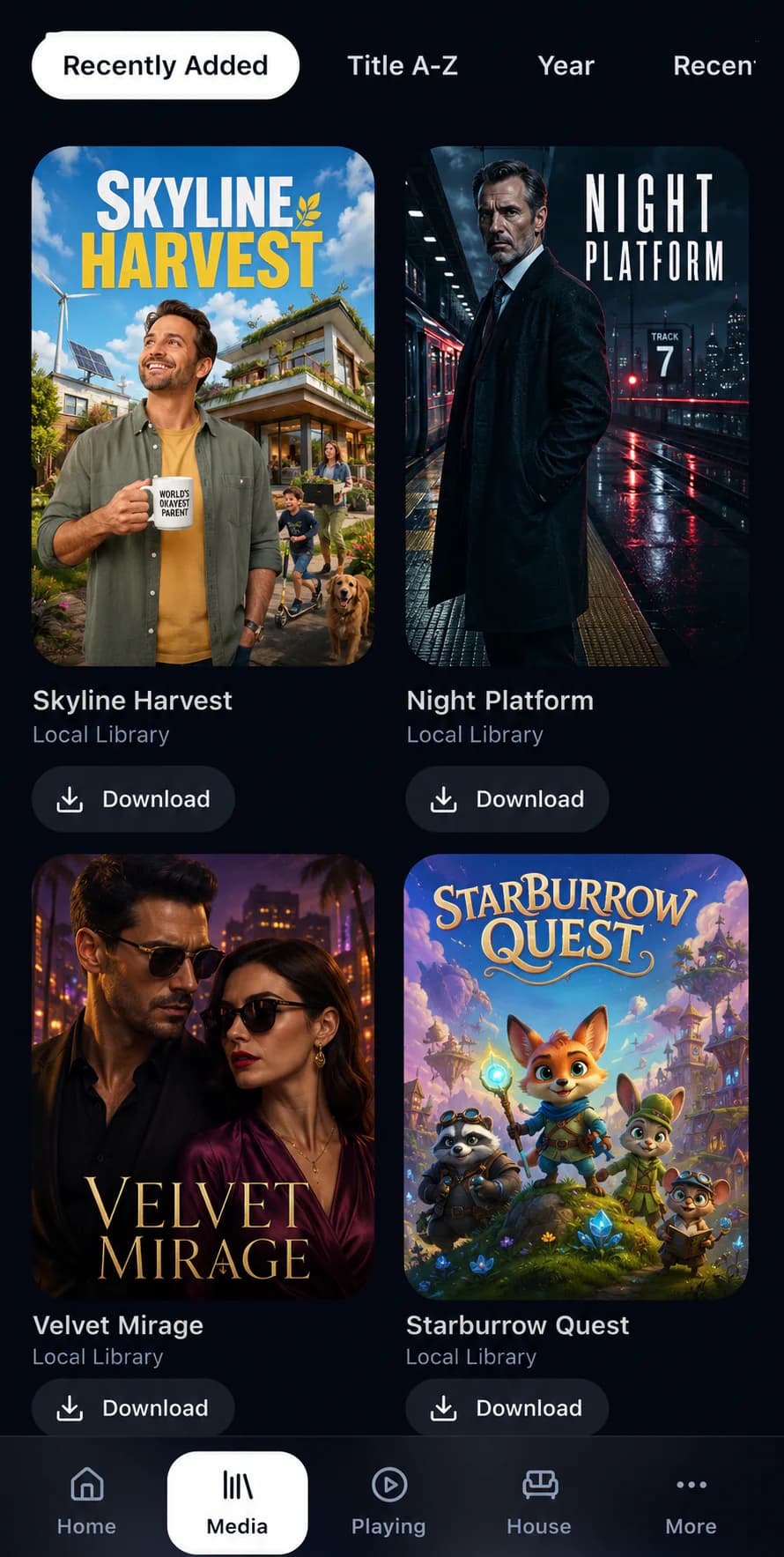
01
Film library
A rich, poster-led directory that makes a large collection feel easy to browse.
Films, television, live TV and photos become a rich household library, while every original file stays safely in your own storage.
A rich, poster-led directory that makes a large collection feel easy to browse.
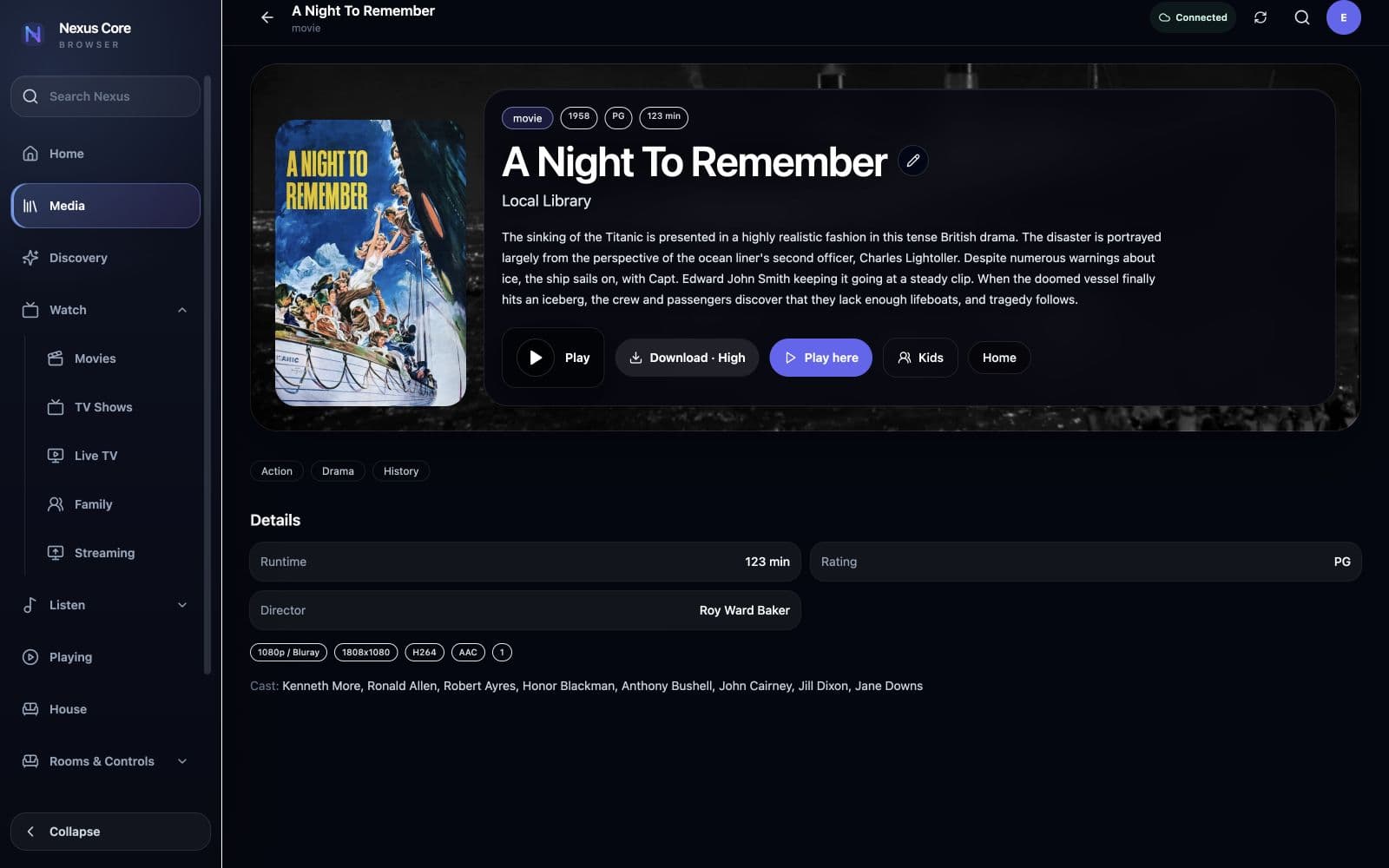
Artwork, metadata and room-aware playback for a film released in 1958.

Series, seasons and episodes presented as a collection rather than a folder tree.

A real 1984 series page with episodes and playback controls.
Index media from mounted local storage, SMB and NFS sources without moving the original files.
Organise movies, series, seasons and episodes with rich browsing and technical detail.
Enrich titles with synopsis, artwork, cast, genres, runtime and provider information.
Correct uncertain matches, unmatched media, missing files and custom artwork without rebuilding the library.
Search the collection you own before optional external discovery services.
Find new films, television and music, then track household requests through Radarr, Sonarr or Lidarr workflows.
Combine compatible tuners or streams with guide data and room-aware viewing.
Keep favourites, playback position and watched status personal to each household profile.
Prepare selected films, episodes and tracks for supported offline clients.
Organise household photos into albums, memories, places and endpoint slideshows.